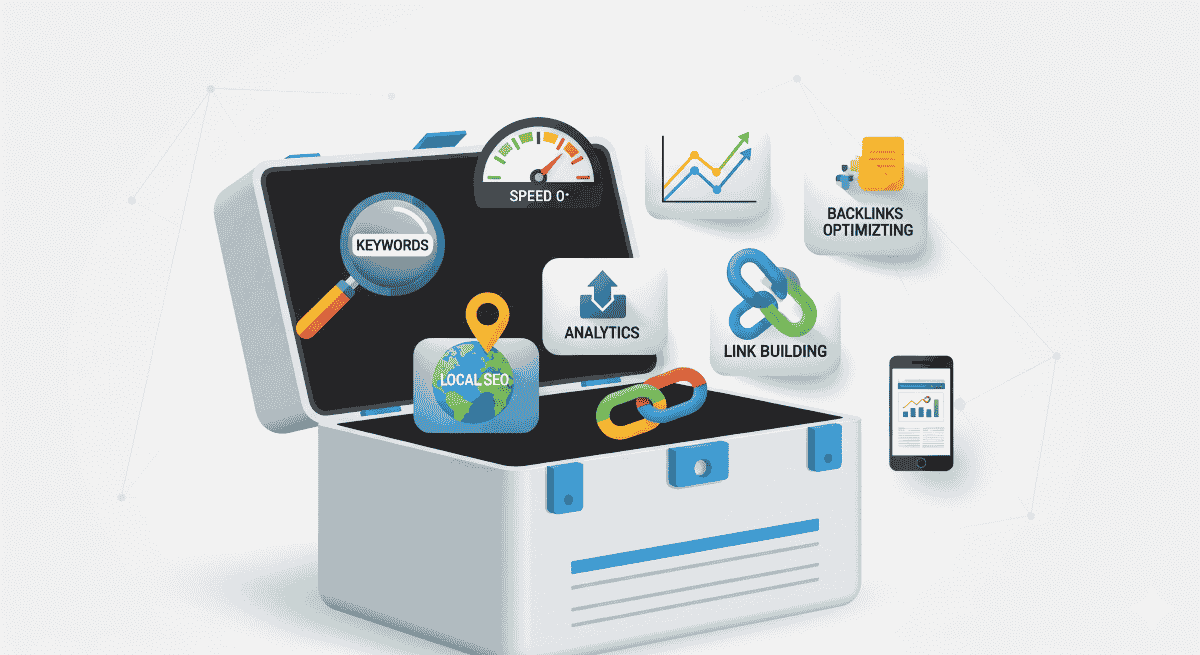
Stepping into the world of Search Engine Optimization (SEO) can feel like trying to learn a new language. With so many experts recommending expensive tools, it's easy for a beginner to feel overwhelmed or believe that effective SEO is out of reach. But that’s simply not true. The secret that many professionals know is that some of the most powerful SEO tools on the market are completely free. This guide will walk you through the top 10 free SEO tools for 2025 that can help you understand your website, find your customers, and start ranking on Google—all without spending a rupee.
Understanding SEO Basics for Beginners
Before we dive into the list, it's important to know what you're trying to achieve. SEO is generally broken down into three core areas. Think of it like building a car: you need a solid engine, a beautiful exterior, and roads to drive on.
- Technical SEO: This is the engine of your car. It’s all the behind-the-scenes work that helps search engines find, crawl, and index your site easily. Site speed is a big part of this.
- On-Page SEO: This is the car's design and paint job. It’s the content on your pages—the text, titles, and images that your visitors see.
- Off-Page SEO: These are the roads that lead to your car. It’s about building authority and trust from other websites, primarily through backlinks.
The 10 Best Free SEO Tools for Beginners in 2025
For Keyword Research
Keyword research is the foundation of SEO. These tools help you discover the phrases your potential customers are typing into Google.
- Google Keyword Planner: This is Google's own tool. While it's designed for Google Ads, it's a goldmine for SEO. It helps you discover new keywords related to your business and see how many people are searching for them.
- Ubersuggest: The free version gives you a limited number of searches per day, but it's fantastic for generating keyword ideas, seeing how competitive they are, and even getting a peek at what keywords your competitors are ranking for.
- AnswerThePublic: This brilliant tool takes your keyword and shows you all the questions people are asking about it online. If you're ever stuck for blog post ideas, this is the place to start.
For On-Page SEO & Content
These tools help you check and improve the content and structure of your actual web pages.
- Google Search Console: This is the single most important free tool for any website owner. It's how Google communicates directly with you. It shows you what keywords you're ranking for, alerts you to indexing errors, and tells you if there are any technical problems with your site.
- AlsoAsked: This tool shows you the "People Also Ask" questions from Google search results and how they relate to each other. It's perfect for structuring your articles to make sure you answer every possible question a user might have.
For Technical SEO
These tools help you check the "engine" of your website to make sure it's fast and easy for Google to crawl.
- Google PageSpeed Insights: This tool analyzes your website's performance on both mobile and desktop and gives you a list of specific, actionable recommendations to make your site faster.
- Screaming Frog SEO Spider: A powerful "crawler" that scans your website just like Google does. The free version lets you crawl up to 500 pages and is perfect for finding technical problems like broken links and missing page titles.
For Backlink Analysis
Backlinks (links from other websites to yours) are a huge factor in SEO. These tools help you see who is linking to you.
- Ahrefs Free Backlink Checker: Shows you the top 100 websites that are linking to your site (or a competitor's site), giving you a great starting point for your link-building strategy.
- Moz Link Explorer: Offers a free look at your website's link profile and "Domain Authority," a score that predicts how well your site might rank.
For Local SEO
- Google Business Profile: The most critical tool for any local business. Managing your free profile allows you to appear on Google Maps, control your business information, and collect customer reviews.
How to Teach Yourself SEO Using These Tools
The single best way to learn SEO is by doing it. You don't need expensive courses to start; you have your own website, and now you have a toolbox full of powerful, free tools. Here’s a simple plan:
- Start with Your Own Site: Run your website through Google PageSpeed Insights. Crawl it with Screaming Frog. Check your keywords and indexing status in Google Search Console. This will give you a real, practical list of things to fix and improve.
- Analyze Your Competitors: Pick one or two of your main competitors. Use the Ahrefs and Moz free backlink checkers to see who is linking to them. Use Ubersuggest to see what keywords they are ranking for. This will show you exactly what is working in your industry.
- Answer Your Customers' Questions: Use AnswerThePublic and AlsoAsked to find out what your customers are searching for. Then, write blog posts that answer those questions.
Getting started with SEO doesn't require a huge budget, just a willingness to learn and the right tools for the job. Start with Google Search Console and PageSpeed Insights, then pick one other tool to experiment with. By taking small, consistent steps, you can make a huge impact.